
Showing posts with label Windows. Show all posts
Showing posts with label Windows. Show all posts
9 Mar 2014
How to Show Desktop background on Start Screen in Windows 8.1?


24 Feb 2014
Windows 8 Cheat Sheet (Infographic)
Windows 8 is here and I got a mini cheat sheet infographic by Marcel van der Hoek with shortcuts and run commands to power you up. This Windows 8 cheat sheet includes total 14 shortcut and run commands. Be sure to learn and remember them to make your Windows 8 experience awesome.
22 Jan 2014
How To Backup Your Start Screen Layout in Windows 8 or 8.1?
Lets say you have the situation when your new Windows 8 or 8.1 is not alone. The user will use it as they want, like from changing lock screen image, installing apps and uninstalling and many other undefined creepy things.
Start Screen is the only thing which comes first as you log in (yes, you can choose to go to Desktop first). So, there are chances "the kids" might scramble everything up there.
 |
| Currently I don't have much apps, I am sure you does. |
Start Screen is the only thing which comes first as you log in (yes, you can choose to go to Desktop first). So, there are chances "the kids" might scramble everything up there.
21 Jan 2014
How To Boot To Desktop Instead Of Start Screen On Windows 8.1?

How To Prevent User Changing Lock Screen Image in Windows 8 or 8.1?
Lock Screen is one of the new features in Windows 8 series. It adds a touch screen swipe feature to unlock your locked PC. If some of you didn't like the lock screen feature don't worry you can disable it.
Some of our colleague love to mess with our system. Hence we end up with change in settings, wallpaper etc. Here with this tutorial you can prevent users from changing your lock screen image. Lets begin.
Some of our colleague love to mess with our system. Hence we end up with change in settings, wallpaper etc. Here with this tutorial you can prevent users from changing your lock screen image. Lets begin.
19 Jan 2014
How To Disable Lock Screen in Windows 8 or 8.1?
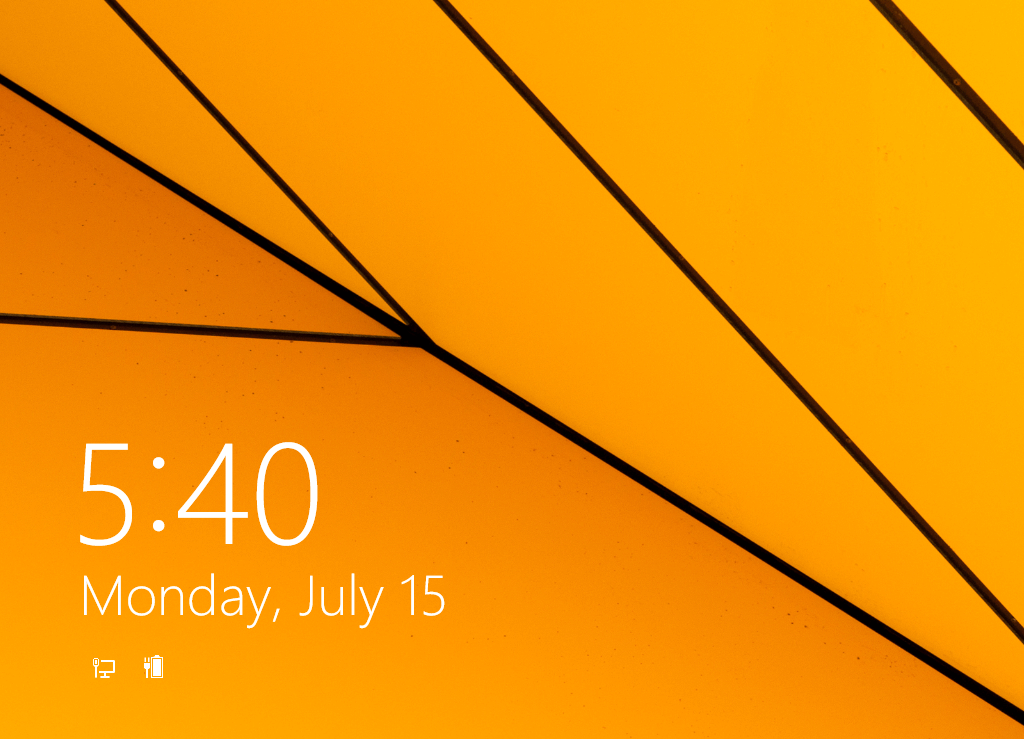 Lock Screen looks good in mobile and tablet devices. For desktop or laptop it is useless. As it requires an additional step to unlock your locked PC.
If you are one of those who didn't like the lock screen, you can easily disable it with this tutorial.
1 Jan 2014
How To View Windows Original Install Date & Time

Did you remember last time you installed your windows? Specifically the date and time? Here is how you can find out.
30 Oct 2013
Unleash The Power Of Windows Notepad As A Text-To-Audio Converter
We believe the invention of Notepad is one of the greatest thing in Windows OS, If I am not wrong we mentioned in previous post that Notepad is available in every Windows OS starting from its first version.
We can do lot of things to play with Notepad. Whereas I recommends to start your computer programming or coding career from Notepad itself.
We can do lot of things to play with Notepad. Whereas I recommends to start your computer programming or coding career from Notepad itself.
7 Oct 2013
Unleash the Power of Windows Notepad as a Diary

Notepad is a simple-plain text editor usually saved with .txt extension. Being a simple editor it can be used to create file types that any DOS environment can handle it. Head on to Wikipedia's Notepad (software) for more information.
How to Start App Automatically When Windows Starts

There are some apps in windows which starts automatically when your windows starts. For example Skype and iTunes do the same. Windows On Top is also a beautiful app which lacks this feature. Here is how you can start any app having non-auto start feature in windows.
How To Fix: The VMware Authorization Service Is Not Running
I just love working on virtual machines, they are best for trying apps in a separate OS without messing with main system. I work in VMware Workstation 8, which is pretty much a good one fore me. After working for months with it finally the first problem occurred. "The VMware Authorization Service Is Not Running ".

Keep Selected Windows Top Of Your Screen

Some Windows app have built-in feature to stay 'always on top'. But what if you want that feature on a specific window. As you will click away to the desktop or another window, the current one looses the focus and moves to the background. I'm pretty much sure Windows don't have it. Here comes Windows On Top.
Windows On Top is just an amazing free windows application, which lets you keep single or multiple windows on top of other windows at all time. It can be very useful when you want specific window such as media player, photo slideshow, document editor, etc on top throughout your work flow.
Surprisingly it doesn't require installation and is super lightweight (around 850 KB). So it will not affect your system's resource a lot.
Once its running, you will see the icon in your system tray. Using it is very simple just click the window and hit "Ctrl+T" keyboard shortcut to lock down the selected window. Now on whatever window you focus in you will find it on top. Pressing the hotkey again will deactivate the application or folder's behavior to normal.
Unfortunately, Windows On Top currently doesn't have auto-start with windows feature, which really disappoints me. Till now you can read how to auto-start Windows On Top with windows tutorial to fix this issue.
No doubt, Windows On Top is best companion for users who want to speed up their work flow and proves to be the best tool in windows management tool's collection.
Windows On Top (Free) | Compzets
Subscribe to:
Posts
(
Atom
)